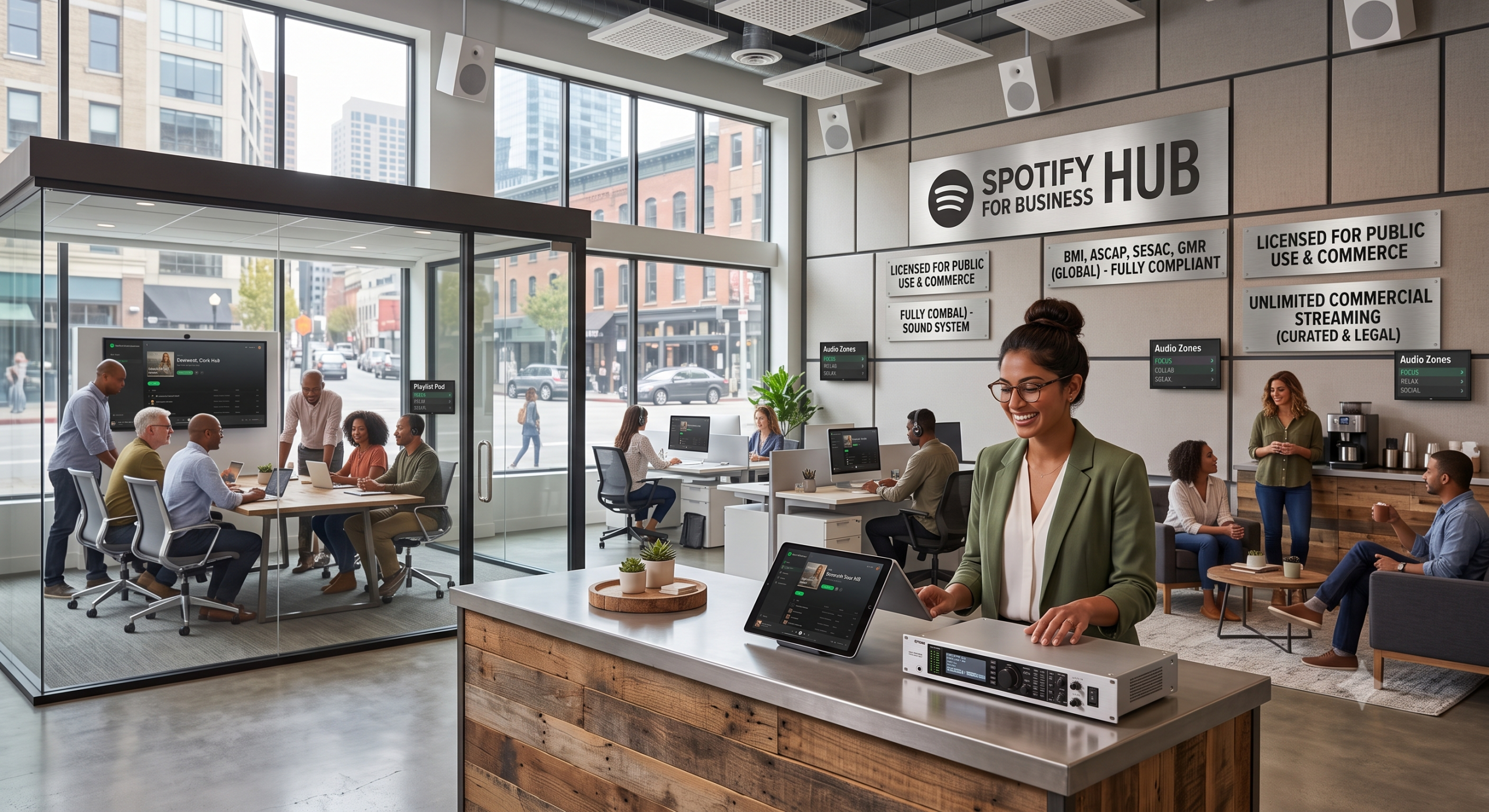
Short answer: personal Spotify is not legal for most businesses. Consumer streaming apps are licensed for private listening at home — not for restaurants, cafés, shops, salons, gyms, or lobbies. If you play Spotify (or similar personal accounts) over speakers for customers or staff in a public commercial space, you can face performance-rights claims, settlement demands, and reputational hassle that far outweigh the convenience of a familiar playlist.
If that letter is already in the stack, use what to do with an ASCAP or BMI demand letter.
This guide explains why consumer apps fail the commercial test, what risk looks like in the real world, how performing rights organizations fit in, and how venues get background music the right way — including SyncPoint Media streaming plans and Music Packs for in-house systems.
Personal licenses vs public performance
When you subscribe to Spotify as an individual, you are buying access under a personal end-user agreement. That agreement is built around headphones, living rooms, and private use. Businesses create a different legal situation: playing recorded music where customers can hear it is generally treated as a public performance under U.S. copyright law. The U.S. Copyright Office summarizes how exclusive rights include public performance of musical works and sound recordings in various contexts.
Spotify’s own terms of use are written for consumers. They are not a substitute for a commercial venue license, and they typically restrict using the service for business establishments. Even if a staff member “just connects their phone,” the venue is still the place where the music is heard — and that is what rights holders care about.
Why “but I already pay for Spotify” does not help
Paying a consumer subscription proves only that you licensed private listening. It does not purchase rights for restaurants or retail floors. Likewise, paying one PRO invoice does not automatically legalize a consumer app’s catalog for your speakers. App terms and public-performance rights are separate layers. Mixing them up is how owners get surprised.
For a deeper look at fee surprises and operational costs, read 5 Hidden Costs of Licensed Music for Business. For how ASCAP, BMI, and SESAC fit the picture, see ASCAP, BMI & SESAC explained.
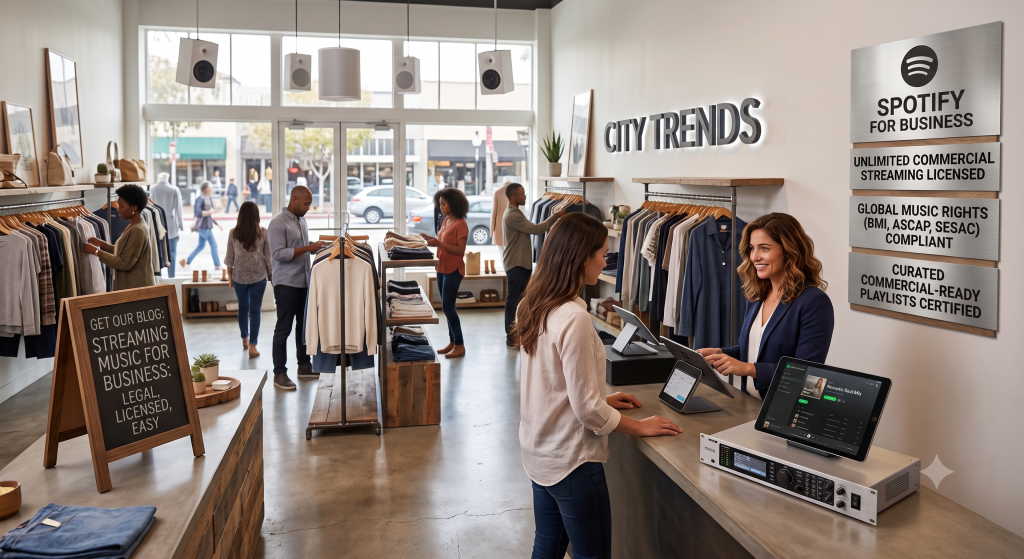
What can happen if you play Spotify in a restaurant
- A performing rights organization may contact the business about public performance licensing for repertoire they represent
- Negotiated settlements and back-period claims can cost far more than a year of commercial music service
- You still lack a catalog curated and cleared specifically for background / ambient use
- Managers waste time swapping playlists and personal accounts instead of running a stable house system
None of this means music is “not allowed” in restaurants. It means the source must be appropriate for commercial use. Plenty of venues run beautiful soundtracks every day — they just do not rely on a personal phone and a consumer login.
Legal options that actually fit a venue
Commercial streaming services (including SyncPoint) provide curated stations and a secure player or stream URL meant for business locations. You pay for commercial background use at the licensed site instead of hoping a personal app covers you. Compare live options on our pricing page and read the plain-language licensing explainer.
Downloadable commercial Music Packs suit venues that already have an in-house media player or scheduler. SyncPoint packs are licensed for one physical location — details in the Music Pack License and the comparison guide streaming vs Music Packs.
Equipment does not create a music license
A polished speaker layout, a new amp, and a dedicated tablet are excellent operational choices — and they still need a cleared music source. Hardware alone never “makes Spotify legal.” Pair your DIY system with commercial content using our restaurant background music setup guide and how to play music without a consumer app.
Practical checklist for owners and GMs
- Audit every zone where music plays (dining, patio, bar, restrooms, retail corner)
- Remove personal streaming accounts from those zones
- Assign one always-on playback device per location
- Choose streaming, packs, or both based on internet reliability and existing AV
- Train staff not to “DJ from their phone” during rushes
- Document your commercial provider and keep support contacts handy
How SyncPoint approaches commercial playback
SyncPoint Media focuses on fully cleared commercial background music for restaurants, churches, retail, and similar spaces. One streaming subscription covers one physical location; multi-site brands need additional licensing. You get a secure web player experience rather than a consumer social app. If you need help choosing between plans and packs, contact us or start with the FAQ.
Bottom line
If customers can hear it in your business, treat it as commercial use. Skip personal Spotify for house sound. Choose a cleared commercial service, set up a dedicated player, and keep the vibe without the compliance headache.
Related reading: What commercial background music costs · Legal retail playlists · Church ambient music · All insights.